


Play971 Login and Account Access
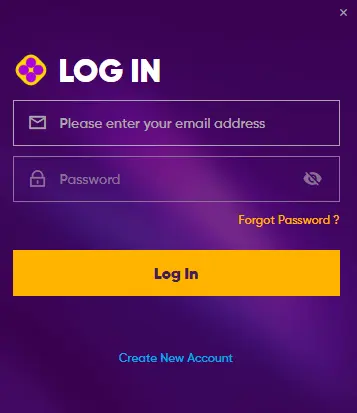
Signing in to Play971 takes seconds, yet the short form sits on top of a layered system. The platform is operated by Coin Technology Projects LLC under licenses issued by the General Commercial Gaming Regulatory Authority (GCGRA) for internet gaming and sports wagering, and every session is tied to a verified identity and a confirmed physical location. Access is offered through the official website in a desktop or mobile browser; a separate downloadable application is not specified on the official website at the time of writing. So the entry point is the same on a laptop and on a phone… one address, one account, one set of credentials. Before typing anything, confirm that online wagering or casino play is permitted where you are. That check remains your responsibility, not the operator’s.
How to Sign In
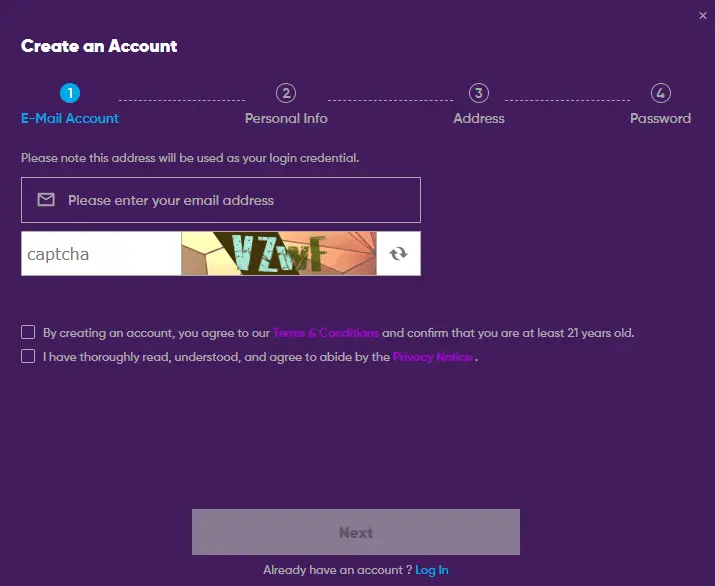
The login form is deliberately spare. It asks for the credentials created during registration and, when the system considers it necessary, a one-time confirmation code sent to the registered contact channel. Nothing more. The sequence below reflects the current interface; field labels may change without notice, so treat it as a map rather than a script. Keep the registered phone within reach: a code may arrive there at the final step, and an attempt that waits too long simply expires.
- Open the official domain in a browser and select the login option in the header;
- Enter the email address or mobile number linked to the account;
- Type the password chosen at sign-up, watching letter case and keyboard language;
- Confirm any verification prompt, such as a code sent by SMS or email;
- Allow the browser to share the device location when asked;
- Wait for the lobby to load and check that the balance and account name display correctly.
If the page refuses the attempt, the reason is usually one of three: mistyped credentials, an unfinished verification stage, or a location that the platform cannot confirm. Each has its own remedy, covered further down. Two habits help regardless. Log out on shared devices, and keep the session brief when the connection is public. Ready to enter your details? Read them back once before pressing the button; it is faster than a locked account.
Password Recovery
Forgotten passwords happen to careful people too. The recovery route starts from the login form itself, through the link for a forgotten password. The system then sends a reset instruction to the contact channel registered on the account, the email address or the mobile number, and a new password is set from there. The official website does not publish a step-by-step reset sequence, so what follows describes the typical shape of the process rather than a verbatim procedure. Some precautions apply at every stage:
- Request a reset only from the login page of the official domain, never from a link received in a message;
- Check the spam folder if the reset email does not arrive within a few minutes;
- Choose a password that is not reused on any other service, banking included;
- Contact support through the Help Center if the registered contact details are no longer accessible.
Why does the last point matter so much? Because a changed phone number or a closed mailbox blocks automated recovery entirely, and identity confirmation with the support team becomes the only path back in. Update contact details in the profile while they still work. That one habit spares a good deal of trouble later. And if a reset message looks even slightly odd, ignore it and start again from the login form. Support can confirm whether a request was ever sent.
Registration and Verification
New users complete an electronic KYC procedure before an account becomes fully usable. The requirements are firm and apply to everyone: a minimum age of 21, physical presence in a permitted location, and identity confirmed against an Emirates ID. Personal details are entered first. Documents are uploaded next. Then a recent photograph and a facial scan are captured for biometric matching. Phone and email are verified separately, and ownership of any payment method is validated before funds move in either direction. The table below summarises what each stage examines.
Once documents are submitted, the account may display a review status, and the platform’s own notices state that the review can take up to two business days. Some functions stay limited during that window. Patience, then. Prepare the documents in advance, submit them in one sitting, and the review tends to close without follow-up questions. Sign-up itself is short; the verification is what deserves the attention. A blurred scan or a mismatched name is the usual cause of delay, and both are easy to avoid.
| Stage | What is checked | Practical note |
| Age and eligibility | Date of birth, 21+ confirmation | Entered data is matched against the identity document |
| Identity | Emirates ID | A 15-digit ID number is expected; other documents are not specified as accepted on the official website |
| Biometrics | Recent photo and facial scan | Good lighting, no accessories that obscure the face |
| Contact channels | Phone number and email | One-time codes confirm both |
| Payments | Ownership of card or account | Same-name methods only |
Geolocation and Access Restrictions
Location is not a formality on this platform; it is a gate. The device must share its precise position, and the service is available only in locations where the operator is permitted to offer it. Availability is decided at the emirate level. At the time of writing, the operator’s own access notice states that the service is not available in Dubai or outside the country, while users in several other emirates report normal access. Verify on the official website whether that scope has changed before registering. VPN and proxy tools are prohibited, and the terms allow forfeiture of winnings where location or identity has been concealed. The common symptoms and their causes:
| Symptom | Likely cause | What to do |
| “Access restricted” notice | Location outside the permitted area | Check the current availability notice; do not attempt a workaround |
| Login loops or a blank page | Location permission denied in the browser | Enable location services and accept the browser prompt |
| Session ends unexpectedly | Cached data or a proxy left running | Disable VPN or proxy, clear cache and cookies, refresh |
| Different result on mobile data and Wi-Fi | Network location mismatch | Retry on the connection that reports the true position |
Do these checks feel tedious? They are the reason the platform can operate inside a regulated framework at all. Rather than searching for a way around them, establish where you stand first, and let the location check run as designed.
Account Security
Security here runs in two directions. The operator protects identity data, payments and personal information; the user protects the credentials and the device. Phishing is the most frequent threat, and it rarely looks like one: a message offering a “new login link”, a “mirror” of the site, an installer file passed around a chat group. None of these come from the operator. No application file is offered on the official website at the time of writing, so any installer bearing the brand name should be treated as hostile. A short checklist covers most of the risk:
- Type the official domain manually or open a saved bookmark, and confirm the address matches exactly, character by character, with a valid security certificate;
- Never enter the password on a page reached through a link in an SMS, email or messenger;
- Use a unique password and replace it if any other service you use has been breached;
- Sign out after each session on shared or borrowed devices;
- Open the responsible gaming section and set limits or a self-exclusion period if play starts to feel less than voluntary.
Responsible gaming tools sit inside the account, and the platform refers users to counseling support as part of its player protection measures. Winnings are never guaranteed; the outcome of any wager is uncertain by design. Keep that in view, keep the account within limits you set yourself, and treat the security checklist as routine rather than an exception. Five minutes of care per session costs less than a compromised account ever will.
Login FAQ
Short answers to the questions that come up most often. Where the official website does not specify a detail, this is stated rather than guessed.
Not specified on the official website at the time of writing. Access is through a desktop or mobile browser, and the site can be pinned to a phone’s home screen for convenience.
No. The platform requires a confirmed location within a permitted emirate, and access from outside the country is refused.
Because eligibility is checked per session, not once. Accepting the browser prompt is part of every login.
Verification relies on a valid document. Renew it, update the profile, and contact support if the account was restricted in the meantime.
It does the opposite. VPN and proxy use breaches the terms and may lead to forfeiture of winnings.